
Table of Contents
ToggleGaming accessories define the difference between a basic setup and an immersive experience. These products include controllers, headsets, keyboards, mice, and dozens of other items that enhance how players interact with games. Whether someone plays casually on a console or competitively on a high-end PC, the right gaming accessories can improve performance, comfort, and enjoyment.
This guide breaks down what gaming accessories are, which ones matter most, and how to pick the best options for any setup. By the end, readers will have a clear understanding of what makes these products worth the investment.
Key Takeaways
- Gaming accessories are hardware peripherals like controllers, headsets, keyboards, and mice that enhance gameplay on PCs, consoles, and mobile devices.
- Essential gaming accessories include input devices, audio gear, display enhancements, comfort items, and connectivity tools.
- Gaming accessories differ from standard peripherals by offering faster response times, programmable buttons, and designs built for extended play sessions.
- When choosing gaming accessories, prioritize platform compatibility, budget, ergonomics, and whether wired or wireless suits your play style.
- Quality gaming accessories are a worthwhile investment that can last five years or more and significantly improve performance and comfort.
- Research reviews and comparison videos before purchasing to identify gaming accessories that match your specific needs and skill level.
Definition of Gaming Accessories
Gaming accessories are hardware devices and peripherals that connect to gaming platforms like PCs, consoles, and mobile devices. They extend the functionality of the main gaming system and give players more control over their experience.
These products fall into several categories:
- Input devices: Controllers, keyboards, mice, joysticks, and racing wheels
- Audio gear: Headsets, speakers, and microphones
- Display enhancements: Monitors, screen filters, and monitor stands
- Comfort items: Gaming chairs, wrist rests, and desk pads
- Connectivity tools: USB hubs, charging docks, and cable management systems
Gaming accessories differ from standard computer peripherals in a few key ways. They often feature faster response times, programmable buttons, and designs built for extended use. A gaming mouse, for example, typically offers higher DPI settings and additional side buttons compared to an office mouse.
The market for gaming accessories has grown significantly. Players now expect products that match their skill level and play style. Casual gamers might prefer wireless convenience, while competitive players prioritize low latency and precision. This variety means there’s a gaming accessory for nearly every preference and budget.
Essential Gaming Accessories for Every Setup
Some gaming accessories are optional upgrades, but others form the foundation of any good setup. Knowing which products deliver the most value helps gamers invest wisely.
Controllers and Input Devices
Controllers remain the most common gaming accessories for console players. The standard controllers that ship with PlayStation, Xbox, and Nintendo systems work fine for most games. But, third-party and pro-level controllers offer features like back paddles, adjustable triggers, and swappable thumbsticks.
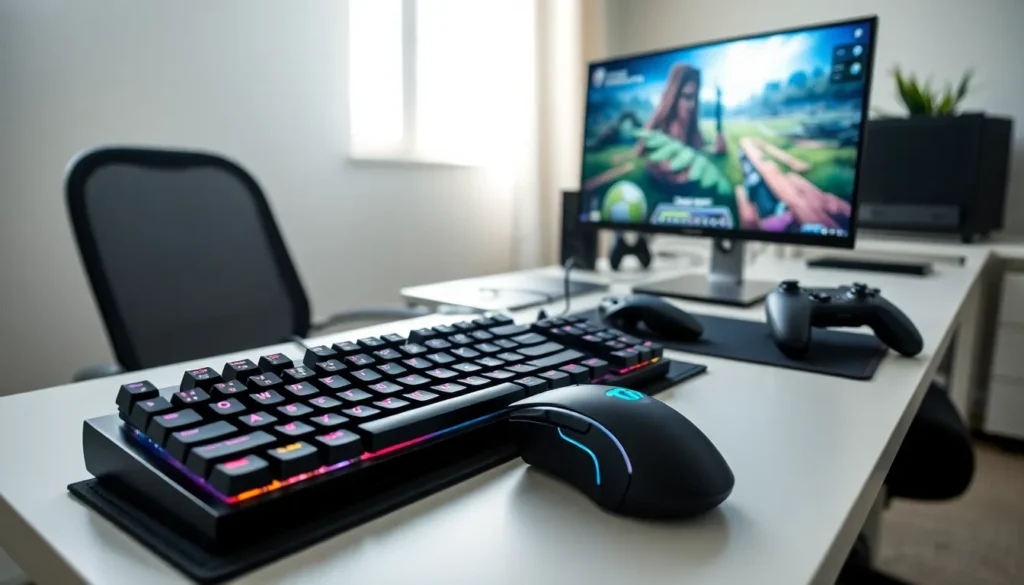
PC gamers typically rely on keyboards and mice as their primary input devices. Mechanical keyboards have become the standard choice for serious players. They provide tactile feedback, faster actuation, and greater durability than membrane keyboards. Gaming mice complement these keyboards with high-precision sensors and customizable buttons.
Specialty controllers also exist for specific genres. Racing wheels with force feedback make driving games more realistic. Flight sticks enhance simulation experiences. Fight sticks give fighting game players the arcade-style control they prefer.
Audio and Communication Gear
Sound plays a critical role in gaming. A quality headset lets players hear footsteps, dialogue, and environmental cues with clarity. Gaming headsets also include built-in microphones for team communication.
When choosing audio gaming accessories, players should consider:
- Wired vs. wireless: Wired headsets eliminate latency and never need charging. Wireless models offer freedom of movement.
- Open-back vs. closed-back: Open-back headphones create a wider soundstage. Closed-back designs block outside noise.
- Surround sound: Virtual 7.1 surround sound helps players locate sounds directionally.
Streamers and content creators often upgrade to standalone microphones. USB condenser mics deliver better voice quality than headset microphones. This investment makes sense for anyone who records gameplay or joins voice chats frequently.
Speakers serve as an alternative for players who don’t like wearing headsets. Gaming-focused speakers emphasize bass response and positional audio. They work best in private spaces where noise isn’t a concern.
How to Choose the Right Gaming Accessories
Selecting gaming accessories requires matching products to specific needs. A few factors should guide every purchase decision.
Platform compatibility comes first. Not all gaming accessories work across every system. A controller designed for Xbox might not function on PlayStation without adapters. Checking compatibility before buying prevents frustration.
Budget matters, but cheapest isn’t always best. Low-cost gaming accessories often sacrifice build quality and features. Mid-range options usually provide the best balance between price and performance. Premium products make sense for competitive players or those who game for many hours daily.
Ergonomics deserve attention, especially for gaming accessories used during long sessions. Controllers should fit the player’s hand size comfortably. Keyboards and mice should allow neutral wrist positions. Gaming chairs should support proper posture.
Wired or wireless is a personal preference with trade-offs. Wireless gaming accessories offer cleaner setups and more flexibility. Wired options guarantee zero latency and continuous power. Modern wireless technology has closed much of the performance gap, but some competitive players still prefer cables.
Reviews and research help identify quality products. Reading user reviews reveals common issues that spec sheets don’t mention. Watching comparison videos shows how gaming accessories perform in real conditions.
Players should also consider future upgrades. Buying gaming accessories that grow with a setup prevents the need for frequent replacements. A quality headset or keyboard can last five years or more with proper care.


